
Second Annual Short Film Competition
Did you make a New Year’s Resolution to be more creative this year? If so, challenge yourself with our Second Annual Short Film Competition, presented by ShortHaus Cinema! Modeled off the 48 Hour Film Project, you will have just one week to fully script, shoot and edit your short film. If you have an idea you’ve wanted to get out of your head, now is the perfect time to do so. Keep reading for details on the contest, equipment, software, resources and opportunities to learn.
Guidelines
- All footage must be shot and edited within the one-week timeframe
- Films should be no longer than 8 minutes
- Content must be appropriate for a library audience
- All footage must be your own (royalty-free music is permissible)
Important Dates
- Tuesday, March 4: Start your film
- Tuesday, March 11, 6 p.m.: Finished films are due in person at 6 p.m.
Film Screening
Tuesday, March 11, 6–8 p.m.
Finished films are due in person at 6 p.m. on Tuesday, March 11. Review short films and vote for prizes! Community members are welcome to attend the film screenings on March 11 and help vote for the winners at the end. The audience will also provide feedback on each film. The more voices, the more dynamic discussions can become. Refreshments will be provided.
How to Submit
Finished films are due in person at 6 p.m. on Tuesday, March 11. Files should be in .mp4 format and named lastname_firstname_title_of_film.
Submissions can be emailed to studio300@fountaindale.org or brought in person via an external storage media, such as a flash drive, hard drive or SSD.
After the screening, film submissions will be uploaded to our YouTube Channel.
Prizes
At the end of the screening, participants and audience members will vote on the competition’s winners. The top three winners will receive Amazon gift cards for their efforts.
1st Place: $100
2nd Place: $50
3rd Place: $25
Participants must be present on March 11 to qualify for prizes.
Check Out Last Year’s Winners
Want to scope out the competition? You can watch some of last year’s submissions on our YouTube channel.
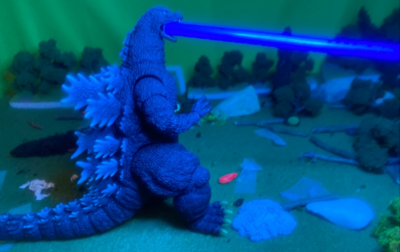
“Abstract Dreams” by Ismael Ochoa

“Uber Driver” by Micheal Owen
If you want more information, feel free to attend March’s ShortHaus Cinema meeting. Lynne Ramsay will be our featured director. You may also direct any questions to Ruth at studio300@fountaindale.org.
Need Equipment?
Studio 300 offers a variety of equipment to expand your toolkit. Browse through our circulating collection of cameras, lighting gear, audio recorders and more. Studio 300 orientation is required to check out equipment, so if you plan to use our equipment, we recommend taking orientation before the start of the competition.
Choosing an Editing Software
Studio 300 computers have all the software you need to finish your film project. We have Scrivener for screenwriting, digital audio workspaces for voiceover and scoring, and many video editors to choose from.

Premiere Pro 2025 Essential Training
Adobe Premiere is a powerful nonlinear editor, one of the leaders in the industry.
Davinci Resolve Fundamentals
Davinci is comparable to Premiere, though its color grading capabilities are top-notch. It also has a free version.
iMovie Essential Training
iMovie is a great basic editor to help you get started. Unfortunately, it is challenging to export an unfinished project.
Want to build your skills until then?
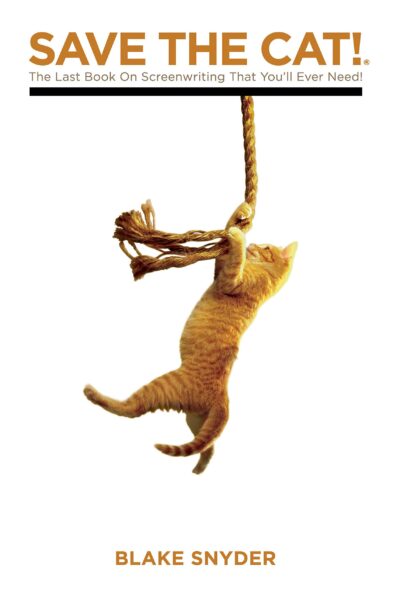
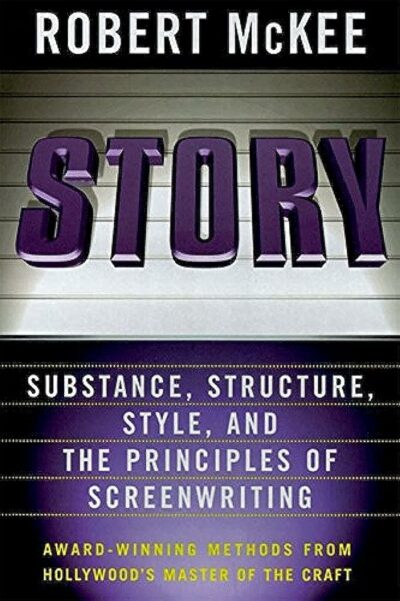
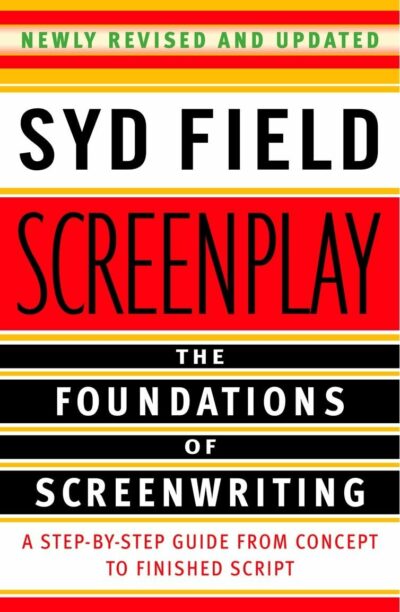
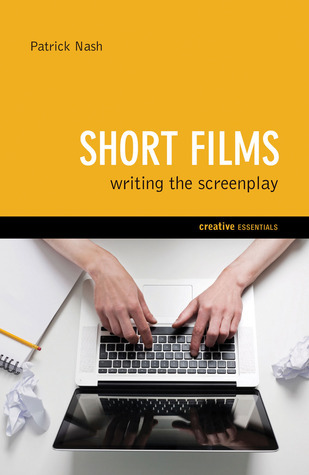
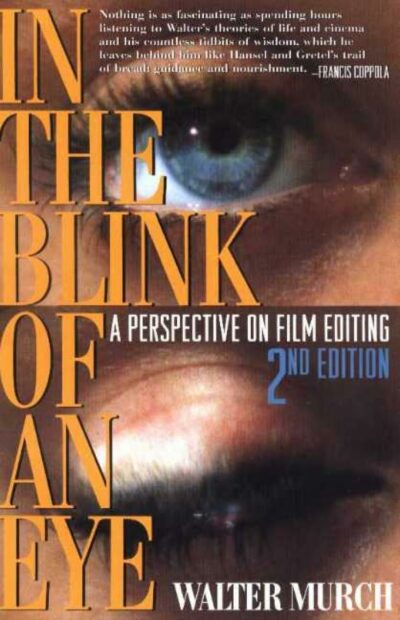
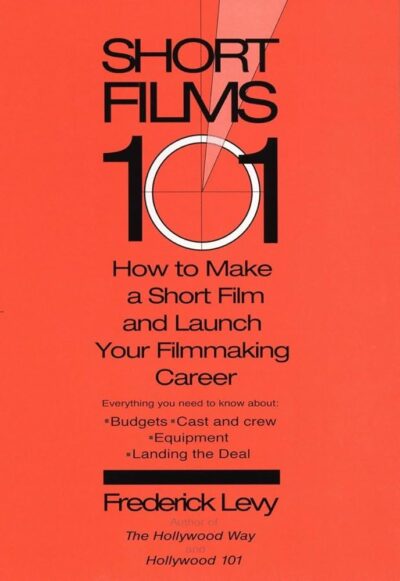
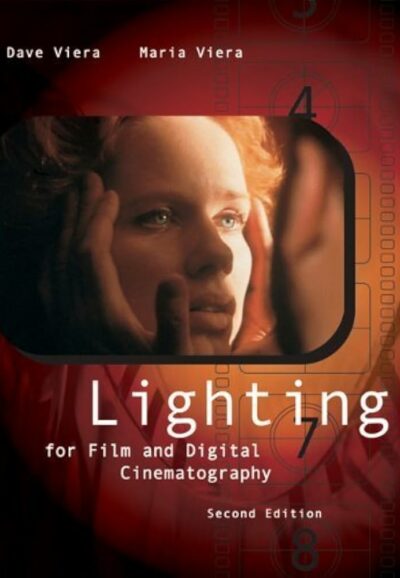
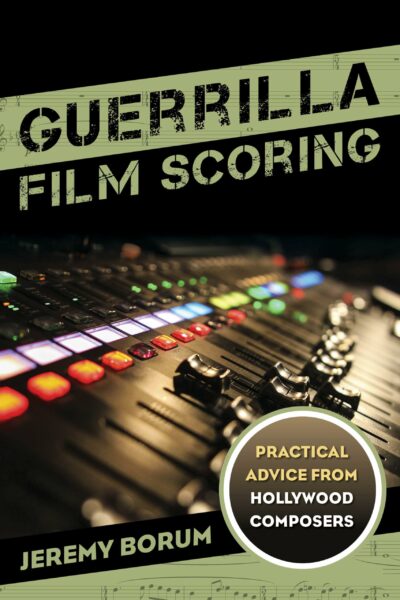
Fountaindale has a wide range of learning resources, from books in our collection to in-depth tutorials. Explore some personal selections below.
Screenwriting & Filmmaking Books
Kanopy
Kanopy offers excellent resources, including Great Courses and Kanopy Film Club. Whether you want to learn from the best or simply be inspired, Kanopy has it all.
LinkedIn Learning
Your Fountaindale Library Card also gives you access to LinkedIn Learning, an online learning resource full of free tutorials by industry professionals. Check out some of these short filmmaking courses!
Creating a Short Film
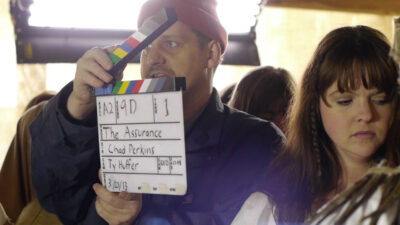
This 13-part series offers 40+ hours of training. It is an extremely thorough deep dive into all parts of the filmmaking process, including scripting, pre-production, cinematography and editing. I highly recommend it, so pick and choose which parts suit your needs.

Making a Short Film: Start to Finish
Slightly abbreviated by comparison, this five-hour training will give you an excellent base for your filmmaking journey. This course focuses particularly on pre-production and working on sets.
Enjoy your creative journey, and I look forward to seeing your lovely films this March!